


Datacolor - SpyderCube - D/F/I/E/S
Datacolor SC200 - SpyderCube - D/F/I/E/S
1001492
0875720001084

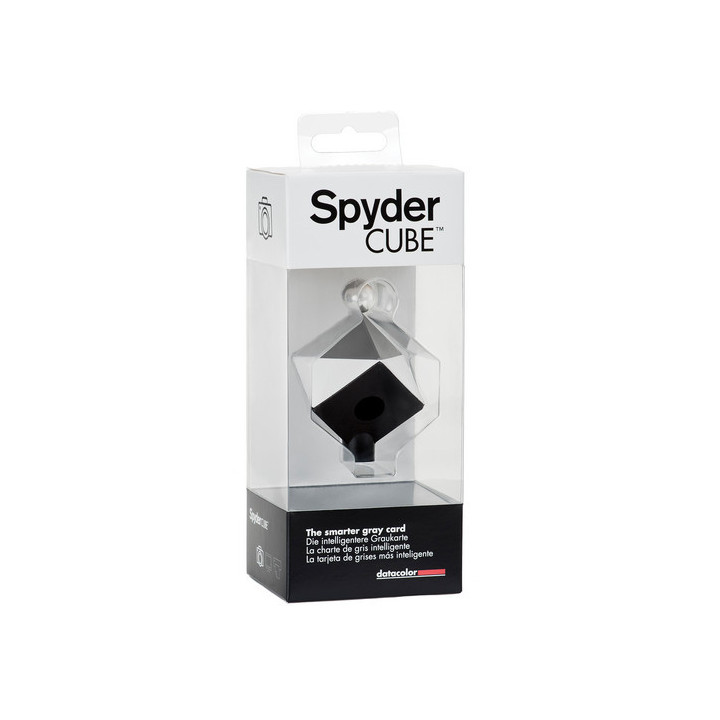


Accelerate RAW processing by taking one reference shot under any light condition to set the white balance, exposure, black level and brightness right from the start for your entire series of photos
Visuals Price
41.63 CHF
VAT excl.
45.00 CHF Inc. VAT
Made to order
-
Delivery
- Shipped in 1 to 2 weeks
-
In-store pickup
- Available in 1 to 2 weeks
Datacolor SpyderCube - D/F/I/E/S
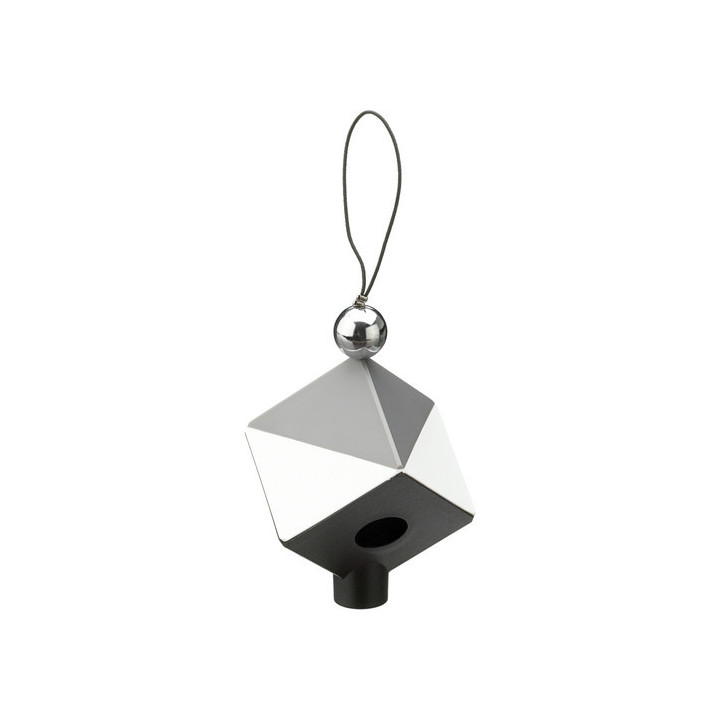
The Datacolor SpyderCUBE RAW Calibration Tool is a compact (3.8 cm per side) digital colour balancing tool that allows you to correct not only colour temperature, but also exposure, brightness and black point of your images. The SpyderCUBE is a spectrally neutral three-dimensional tool, small enough to fit in your pocket or camera bag, and offers all the features needed to easily adjust your images in post-production. Its multi-faceted construction allows for special attention to highlights and shadows, and contains more features for image control than a grey card or white balance tool.
Simply place the SpyderCUBE in the lighting conditions in which you are going to photograph. Orient the cube so that the lower black face, containing the black trap, is at the front bottom, and the two split white/grey faces are visible. Take a photograph including the Cube. It performs several measurements that allow you to be sure that your colours are accurate, your shadows and highlights are properly exposed, and your image is adjusted to the ideal density, regardless of lighting conditions. These functions give you the data you need:
1 Chrome ball - Measures specular reflection to analyse specular highlights.
2 white faces - Define highlights in relation to specular reflection.
3 grey face(s) - Measure colour temperature and midtone response.
4 Black face - Defines shadows in relation to the black trap.
5 Black trap - Defines absolute black.
By using the SpyderCUBE in the same lighting conditions as your photos, you can optimally adjust all photos in RAW conversion using the information provided by the Spyder 3D shot. The SpyderCUBE is simple enough for the advanced amateur and sophisticated enough for professionals.
Features:
- Reference tool for obtaining accurate colours without trial and error operations in RAW processing.
- SpyderCUBE provides all relevant light information for RAW adjustments:
* Chrome ball to measure specular reflection to analyse overexposed areas.
* White faces to define highlights in relation to specular reflection.
* Spectrally neutral 18% grey faces to measure colour temperature and midtones in all lighting conditions.
* Black trap to define absolute black.
* Black face to define shadows in relation to the black trap.
- Easy to use and compatible with all RAW conversion software.
- Essential for RAW processing but can also be used when processing images in a JPG workflow.
- Small and convenient, it fits into any camera bag
- Ideal for outdoor or indoor shooting and studios
- Capture accurate colours without much trial and error manipulation
- Spectrally neutral, so the Cube responds accurately to all lighting conditions
- Provides reference values to check and adjust RAW control settings
- Includes a black trap for shadow detail control
- Allows users to instantly correct colour images by setting the colour temperature value
- Allows users to precisely adjust shadow and highlight details in any RAW image
The Datacolor SpyderCUBE RAW Calibration Tool is a compact (3.8 cm per side) digital colour balancing tool that allows you to correct not only colour temperature, but also exposure, brightness and black point of your images. The SpyderCUBE is a spectrally neutral three-dimensional tool, small enough to fit in your pocket or camera bag, and offers all the features needed to easily adjust your images in post-production. Its multi-faceted construction allows for special attention to highlights and shadows, and contains more features for image control than a grey card or white balance tool.
Simply place the SpyderCUBE in the lighting conditions in which you are going to photograph. Orient the cube so that the lower black face, containing the black trap, is at the front bottom, and the two split white/grey faces are visible. Take a photograph including the Cube. It performs several measurements that allow you to be sure that your colours are accurate, your shadows and highlights are properly exposed, and your image is adjusted to the ideal density, regardless of lighting conditions. These functions give you the data you need:
1 Chrome ball - Measures specular reflection to analyse specular highlights.
2 white faces - Define highlights in relation to specular reflection.
3 grey face(s) - Measure colour temperature and midtone response.
4 Black face - Defines shadows in relation to the black trap.
5 Black trap - Defines absolute black.
By using the SpyderCUBE in the same lighting conditions as your photos, you can optimally adjust all photos in RAW conversion using the information provided by the Spyder 3D shot. The SpyderCUBE is simple enough for the advanced amateur and sophisticated enough for professionals.
Features:
- Reference tool for obtaining accurate colours without trial and error operations in RAW processing.
- SpyderCUBE provides all relevant light information for RAW adjustments:
* Chrome ball to measure specular reflection to analyse overexposed areas.
* White faces to define highlights in relation to specular reflection.
* Spectrally neutral 18% grey faces to measure colour temperature and midtones in all lighting conditions.
* Black trap to define absolute black.
* Black face to define shadows in relation to the black trap.
- Easy to use and compatible with all RAW conversion software.
- Essential for RAW processing but can also be used when processing images in a JPG workflow.
- Small and convenient, it fits into any camera bag
- Ideal for outdoor or indoor shooting and studios
- Capture accurate colours without much trial and error manipulation
- Spectrally neutral, so the Cube responds accurately to all lighting conditions
- Provides reference values to check and adjust RAW control settings
- Includes a black trap for shadow detail control
- Allows users to instantly correct colour images by setting the colour temperature value
- Allows users to precisely adjust shadow and highlight details in any RAW image
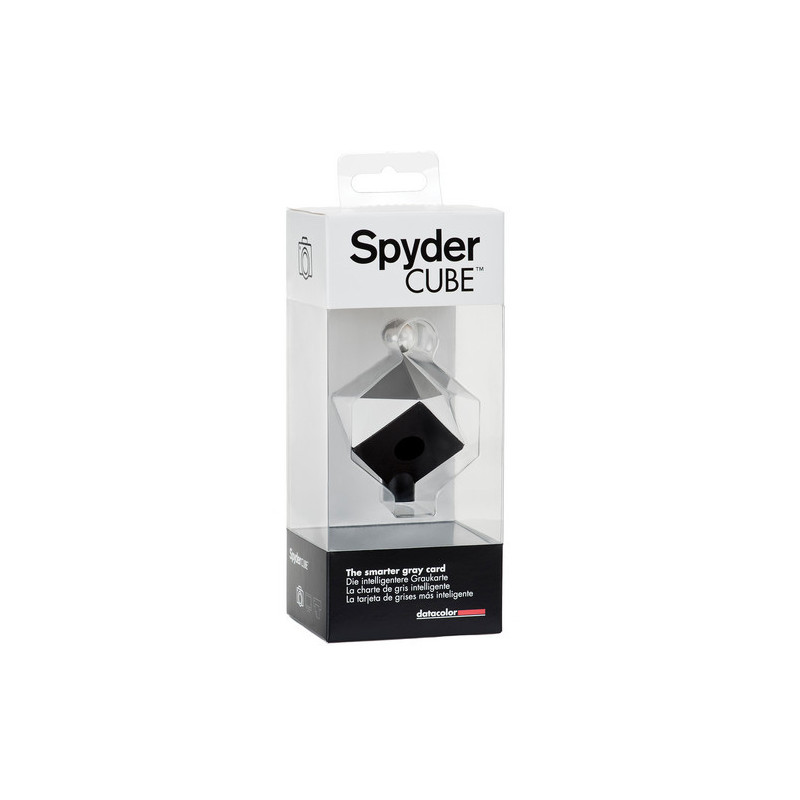
Accelerate RAW processing by taking one reference shot under any light condition to set the white balance, exposure, black level and brightness right from the start for your entire series of photos
Loading...