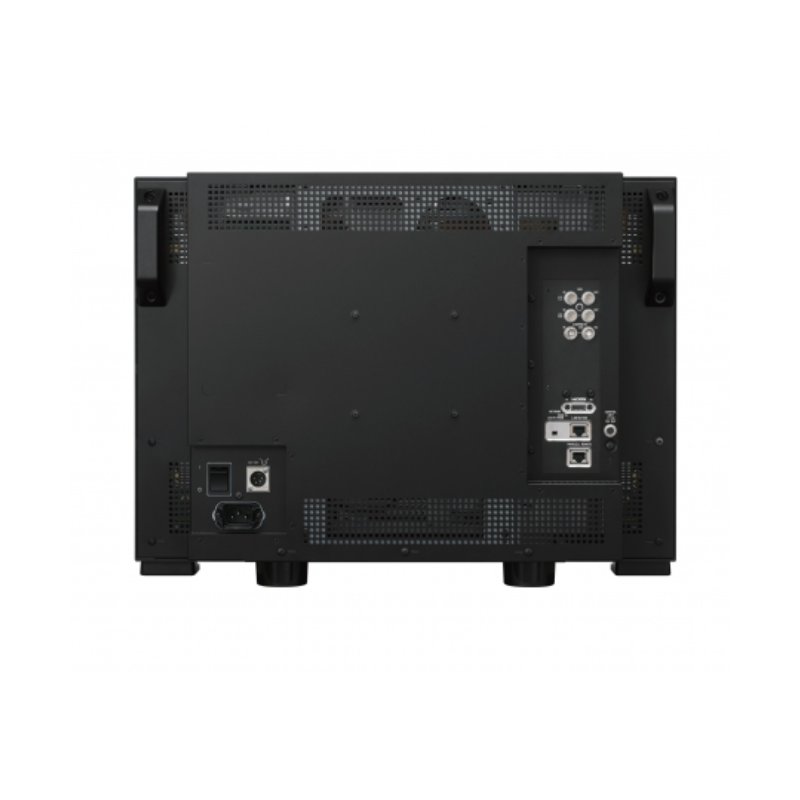
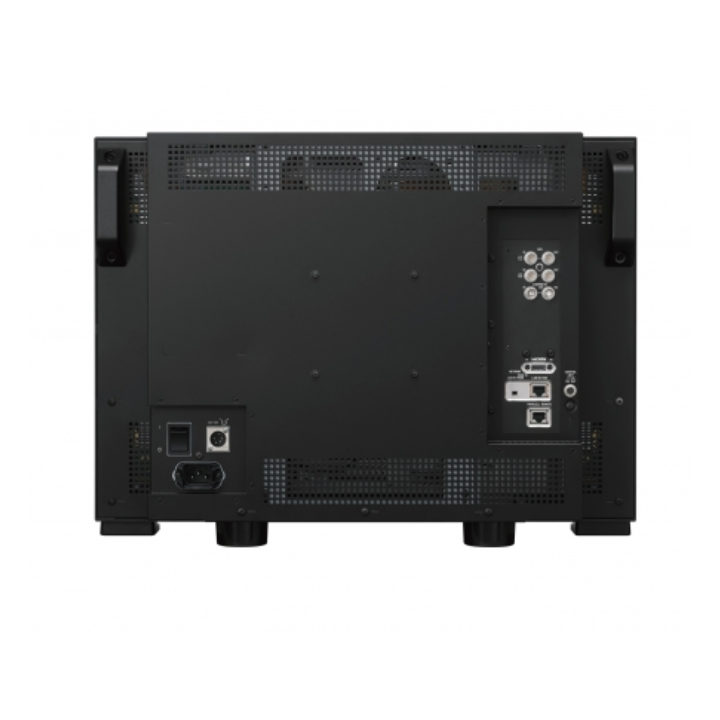
Sony BVM-E251 - 25inch Reference TRIMASTER EL OLED Monitor


9,228.58 CHF Inc. VAT
-
Delivery
- Shipped in 1 to 2 weeks
-
In-store pickup
- Available in 1 to 2 weeks
For professional applications such as colour grading, high-end editing, broadcasting and scientific research, Sony's cutting-edge OLED (Organic Light Emitting Diode) technology and its signal processing technology ensure absolutely exceptional performance with the BVM-E251. Colour shift as a function of viewing angle has been reduced by more than half compared to the 1st generation OLED panel. It enables multiple people to evaluate the image with extreme accuracy at the same time, thus increasing the monitor's versatility in high-end monitoring solutions.
Cutting-edge product
Super Top Emission technology enhances the intrinsic advantages of OLED to deliver exceptional black performance, fast response time with virtually no motion blur and extended colour gamut. A 12-bit digital signal processing engine provides a non-linear cubic conversion colour management system that delivers accurate colour reproduction, impressive image uniformity, smoother gamma performance than ever before and image quality consistency.
Flicker-free mode
The exceptionally fast response time of the TRIMASTER EL OLED panel and scanning performance deliver stunning image quality with virtually no motion blur. However, flicker may be barely visible, particularly when a lower frequency signal is displayed (24p, 24PsF and 50i). To eliminate visible flicker, the BVM-E251 is equipped with a flicker-free mode.
DC power operation
The BVM-E251 can operate on DC power. This function offers greater flexibility and mobility for users who want a larger screen for an on-set application.
ITU-R BT.2020 support for 4K production
The BVM-E251 is certainly a HD monitor compliant with ITU-R BT.709 colour space. Meeting a growing demand for using a HD monitor in 4K production, the BVM-E251 now supports ITU-R BT.2020 colour space and transfer matrix.
Accepts computer signals via HDMI
The BVM-E251 accepts various computer signals up to 1920 x 1080 via its HDMI connector. It is also equipped with 2048x1080 Digital Cinema signals.
Features
Superb image performance
Sony's TRIMASTER EL™ technology combines Sony's ultimate OLED display performance with highly sophisticated TRIMASTER™ technology to deliver the highest level of image performance:
Wide viewing angle
Accurate black reproduction
Pure and accurate colour reproduction
Fast response time with virtually no motion blur
Very high contrast ratio
Flicker-free mode
The exceptionally fast response time of the TRIMASTER EL OLED panel and scanning performance deliver stunning image quality with virtually no motion blur. However, flicker may be barely visible, particularly when a lower frequency signal is displayed (24p, 24PsF and 50i). To eliminate visible flicker, the BVM-E251 is equipped with a flicker-free mode.
Super Top Emission™ technology
Sony's Super Top Emission™ technology has a micro-cavity structure that incorporates colour filters. The micro-cavity structure uses an optical resonance effect to enhance colour purity and increase light emission efficiency. In addition, the colour filter for each RGB further enhances the colour purity of the emitted light and reduces ambient light reflection.
Sony's ultimate display engine
A high-precision signal processing engine has been developed to meet reference monitor criteria and is optimised to maximise OLED panel performance. This engine incorporates 12-bit output precision in each process and provides both a high-quality I/P conversion algorithm and a highly accurate colour management system.
Multi-format support
The BVM-E251 monitor can accept almost all SD or HD video formats, such as analogue composite video, HDMI and SDI, and variable computer signals via HDMI.
Automatic white balance
The colour temperature and white balance of BVM series monitors can be automatically adjusted by the automatic white balance function using specified colour temperature probes, such as
Konica Minolta: CA-210, CA-310, CS-200,
DK-Technologies: PM5639/06,
X-Rite: i1 (Eye-One) Pro and i1Pro2.
Photo Research: PR-655, PR-670
Klein: K-10
Jeti: Specbos 1211
High-quality I/P conversion technology
The BVM-E251 monitor uses a sophisticated I/P conversion technique that keeps artefacts often observed on flat screens such as edge irregularities, conversion errors, etc. to a minimum.
Low video lag
The BVM-E251 display engine ensures image lag of less than one frame.
Panel calibration
Each BVM-E251 monitor is carefully calibrated at the factory on an individual basis, offering a high level of accuracy and stability for characteristics such as gamma and uniformity.
Interlaced display mode
Faithfully reproduces interlaced signals, emulating CRT monitors.
Picture & Picture mode
The BVM-E251's unique Picture & Picture function allows simultaneous display of two input signals on the monitor screen. This function is extremely convenient for making instant adjustments on two input sources. Four modes are available to offer users increased operational flexibility: Side by side, Sweep, Butterfly and Blend.
Pixel zoom mode
A selected area of the displayed image can be enlarged on a pixel basis, up to eight times in size vertically and horizontally.
Gamut error display
The BVM-E251 master monitor incorporates a gamut error display function that detects irregular signal inputs.
S-Log3 and S-Log2 EOTF
The BVM-E251 master monitor incorporates EOTF tables to reproduce images captured using S-Log3 and S-Log2. S-Log3 and S-Log2 are techniques used in Sony's digital cinema cameras that enable the camera sensor's full latitude to be maintained throughout the production chain.
2K image resolution
The BVM-E251's Image Slide 2048 function enables 2K resolution (2048 x 1080 pixels) images to be mapped, pixel by pixel, onto the Full-HD (1920 x 1080 pixels) panel without image degradation. The monitor is equipped with a scrolling function that enables the missing pixels to be displayed in native mode from the left and right parts of the image.
Scan switch
The scan switch function enables switching between underscan (-3%), normal scan (0%) and overscan (5%).
Native scan (pixel-by-pixel display)
The native scan function is a unique display mode that reproduces images without changing the number of pixels in the input signal.
HD image capture mode
The BVM series' HD image capture function enables an image to be captured from a 3G-SDI and HD-SDI input and saved as an image file on USB media (BKM-17R) or Memory Stick™ media (BKM-16R). This image file can be used as a reference for various purposes, for example, for image tone adjustments between past images and for camera framing adjustments.
Separate control unit with USB memory slot
A separate BKM-17R control unit is available for the BVM-E251. It is equipped with a USB memory slot allowing users to download and save all monitor settings such as input channel configuration, preset control adjustments, white balance settings and maintenance settings.
Centralised control of monitor walls
BVM series monitors and the BKM-17R control unit are equipped with an Ethernet port, enabling remote control of display settings via a standard Ethernet connection. One BKM-17R control unit can control up to 32 BVM monitors.
DC power operation
The BVM-E251 can operate on DC power. This offers greater flexibility and mobility for users who want a larger screen for an on-set application.
Character disable button
To facilitate parameter adjustments, the on-screen menu display can be removed from the screen in Menu mode. The on-screen menu display can be enabled or disabled by simply pressing a button on the front panel of the BKM-17R.
Copy function for monitor configuration and adjustment data
The optional BKM-17R control unit includes a USB memory slot for saving and loading monitor configuration and adjustment settings. This is useful for multi-monitor systems, enabling transfer of configuration and adjustment data from one monitor to another. This data can also be transferred via the BVM's Ethernet connection.
Chroma UP +12dB function
A Chroma UP button located on the front panel of the BKM-17R enables the chrominance level to be increased by +12dB. This is a convenient function for adjusting the camera's white balance with a higher degree of accuracy.
Marker settings
BVM series monitors can display various markers, including aspect marker, safety zone marker and centre marker. In addition to this flexible selection of marker types, detailed display settings for each marker are offered. For example, the colour, brightness, horizontal/vertical position and width of aspect markers can all be controlled, while the height and width of safety zone markers can be adjusted.
Aspect switch
The aspect ratio can be switched between 4:3, 16:9, 2.39:1 and 1.896:1 depending on the input signal.
Wide variety of functions
The user has a wide choice of over 40 functions. Each of them can be assigned to one of the 16 function buttons (F1 to F16) of the BKM-17R controller. Press ENTER to display the assignment of buttons F1 to F8 (or F9 to F16) on screen.
Status display
Simply assign STATUS to one of the function buttons (F1 to F16) on the BKM-17R control unit. The user can instantly grasp the complete status of the monitor and configurations without having to navigate through menus.